Maps
Install a map from the community list, share your own, or turn a build into an arena.
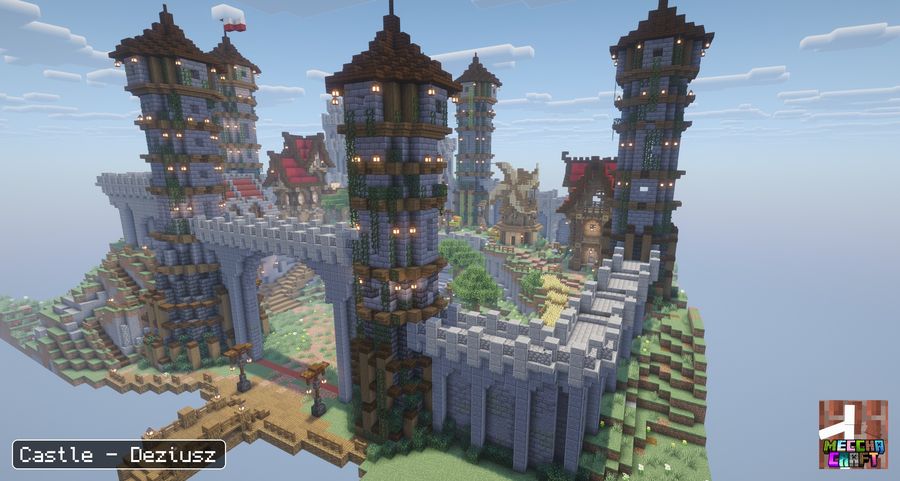
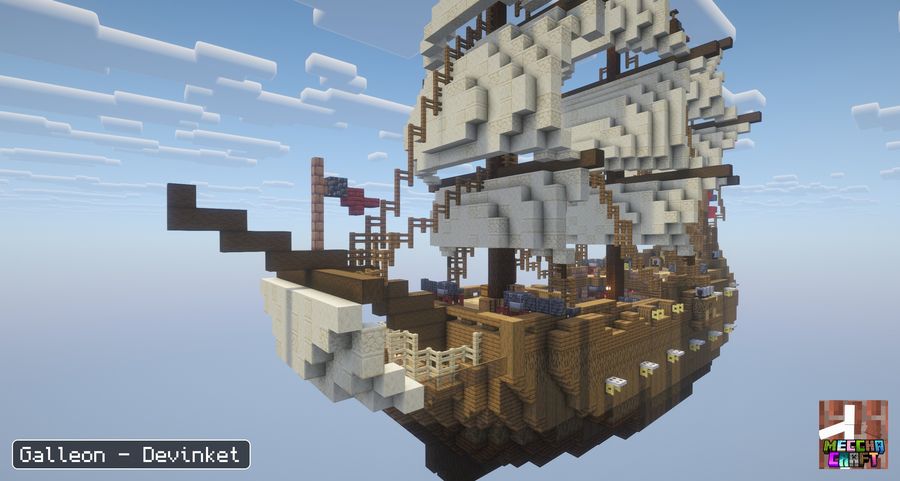
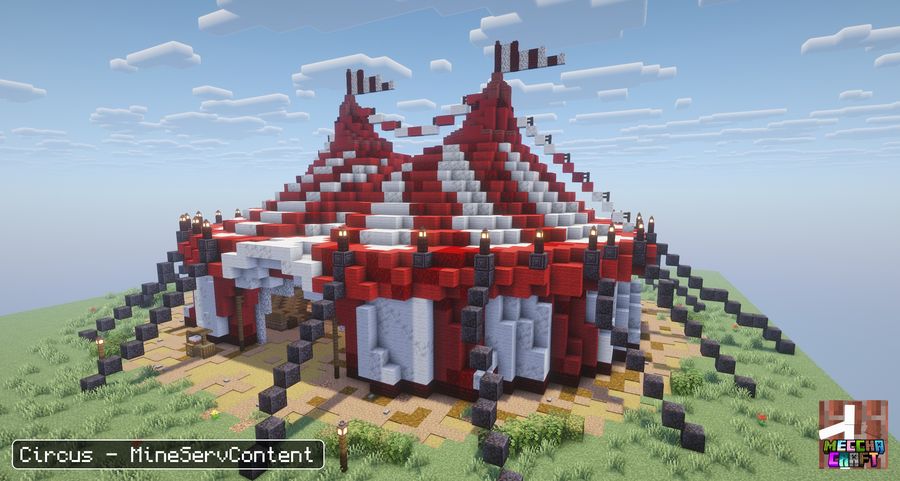
/meccha arena command, listed under Commands.
Community maps
Press M, open Maps, then Online.
The list comes from meccha.dryaides.com/maps, where you can also download the same
maps by hand.
- Search by map name or author.
- Filter by size (small, medium, large) and by player count, and hide the maps you already have.
- Sort by name, size or player count. The "newest" sort does nothing yet, because the site gives every map the same date.
- Click a map to see its photo, author, licence and description, then Install. The result shows in the menu. The map then appears under Installed, marked "Community".
- Any player can report a map that breaks the rules, from its row or from the player menu during a round on that map.
Share your map
Any player can send a map to the community list: 2 maps a day and 5 a month, or 5 and 30 for
supporters. A map still named arena_N is refused, so rename it first.
- Take a photo of the arena
Use the photo step of the editor. The photo is sent with the map and shown in the list.
- Click Share
On the map in Installed, or in the editor. Say whether you built it or took it from someone else (credit and link), pick a licence, write a description and set the minimum and maximum players.
- Confirm
The mod exports the map (at most 512,000 bytes and 512 by 512 blocks), checks your account with Mojang, and uploads it. An offline or cracked account cannot share.
Create an arena
This needs operator rights. Open Editor and click New arena.
- Name it
The name comes first. Create stays grey while the name is empty, taken, or of the form
arena_N. - Set the area
Close the menu and click two corners, like WorldEdit: left-click a block for corner 1 and right-click another for corner 2, with any item or an empty hand. The box includes the height. Corner clicking stays on until you press Stop clicking, save or cancel. Walls, Floor and Ceiling move the borders afterward.
- Set the spawn
Set spawn here uses where you stand. A warning shows if the spawn is outside the box.
- Photo, test, share
Photo takes the picture. Test now starts a private room with 2 bots on this arena: 10 seconds to hide, then 10 seconds of hunt. The room is deleted afterward and you land back in the editor. Share is covered above.
The steps list shows [x] for a finished step and [!] for one that needs a look. Save keeps your changes, Cancel drops them, and Undo steps back. The Advanced section has Edit play borders, Update copies, Save as file and Delete arena (two clicks).
Import a .schem
For a build made elsewhere. It has to be a Sponge .schem (in WorldEdit or FAWE,
//copy then //schem save myMap). Old .schematic and Litematica
files will not load.
- Drop the file in the arenas folder
config/meccha_chameleon/arenas/, inside your server folder or.minecraft. - Click Import file
It is in Maps, Installed. The screen lists the folder and its files, and the name field is filled from the file name. Pick a file, rename it if you like, click Import. The editor opens on the new arena.
The build is pasted into a dimension of its own, borders and spawn included. On an imported map the corners shape the copied build area and the play borders follow on save. Switch on Edit play borders to move the borders alone. Rounds run in copies, so several rooms can use one map at once, and Update copies pushes your edits into them. Save all as files, at the bottom of the Installed list, writes every arena to the folder above.
Use a build from your world
An arena drawn with the corners plays in the real build, not a copy, so only one room at a time can use it.
Play on it
Open the room settings, go to Arena and pick it from the list, or run
/meccha room arena use castle.
With several maps saved, choose Random map instead and the room draws a different one every round, as a roulette everyone watches land together.
Commands
| /meccha arena list | Every map you have saved |
|---|---|
| /meccha arena tp <name> | Go there and see its borders |
| /meccha arena setstart <name> | Move the spawn to where you stand |
| /meccha arena adjust <name> walls -5 | Push all four walls out by 5 (a positive number pulls them in) |
| /meccha arena adjust <name> ceiling 5 | Raise the ceiling by 5 |
| /meccha arena reload <name> | Push your edits to the copies rounds play in |
| /meccha arena rename <old> <new> | Rename it |
| /meccha arena delete <name> | Delete it, with a confirmation |
If you edit an imported map, go there with /meccha arena tp, build, then run
/meccha arena reload so the next round picks your changes up.
If it goes wrong
Nothing shows up in /meccha arena schematics. The file is not in
config/meccha_chameleon/arenas/, or it is not a .schem. The command prints the
exact folder it looked in.
The map is cut off, or players spawn outside it. Importing trims a small margin and
caps the play height. Widen it with adjust walls -5, raise it with
adjust ceiling 5, then move the spawn with setstart.
"An arena named X already exists." Names are unique. Pick another, or delete the old one.