Your own map
Any build can become an arena. Either download one as a .schem and import it,
or draw a box around something you made.
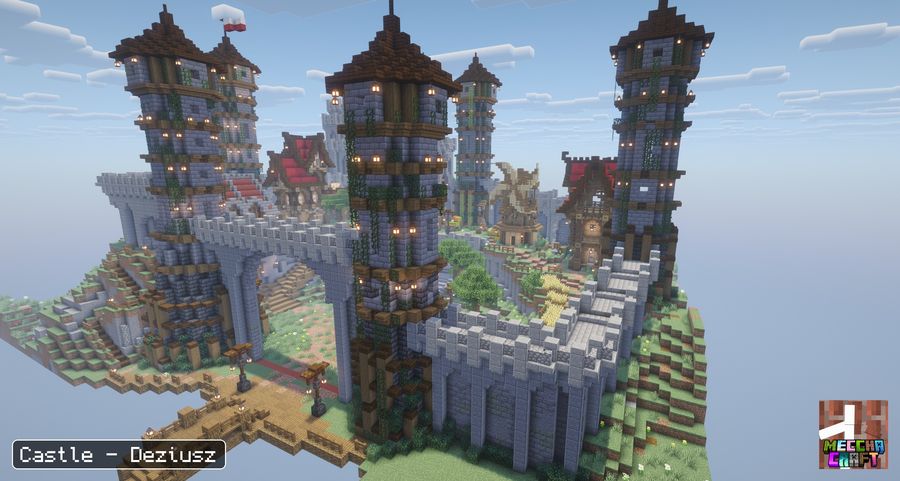
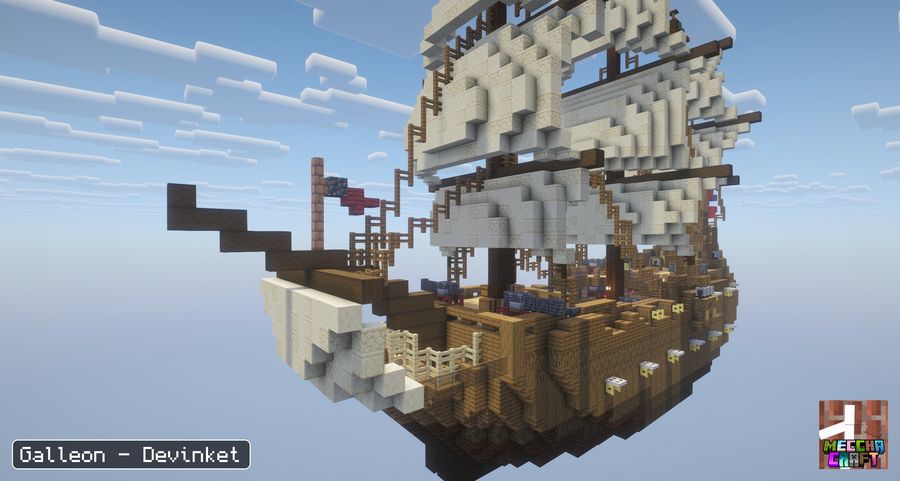
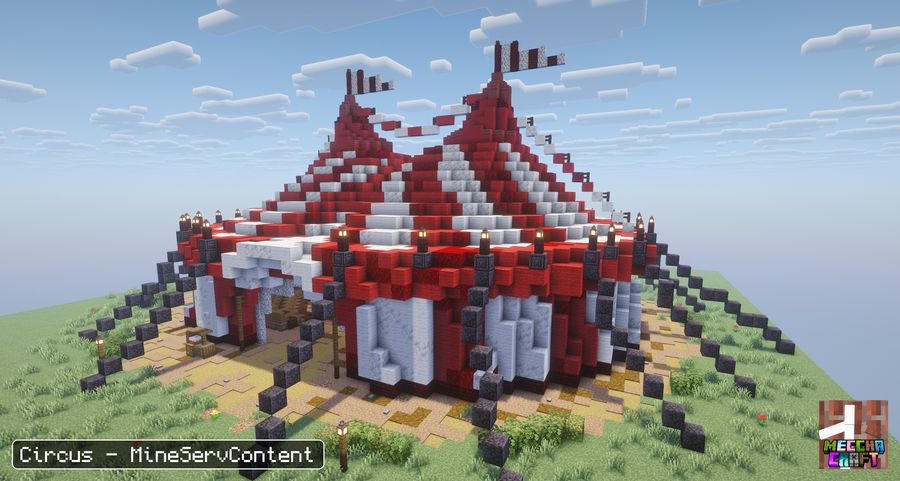
/meccha arena
on its own and the game walks you through it with clickable buttons.
Import a .schem
The easy route, and the one to use for anything you did not build in the world you are playing in.
- Get a .schem file
Export a build with WorldEdit or FAWE (
//wand, select both corners,//copy,//schem save myMap), or download one. It has to be the Sponge.schemformat. Old.schematicand Litematica.litematicfiles will not load. - Drop it in the arenas folder
config/meccha_chameleon/arenas/, inside your server folder or your.minecraftfolder. Create it if it is not there. - Import it in game
/meccha arena schematicslists every file you dropped, each with a button that imports it. Or type it out:/meccha arena import "myMap.schem" castle. - Go and look
/meccha arena tp castletakes you there and shows the borders.
That is all: the build is pasted into a dimension of its own, borders and spawn point included. Rounds run in copies, so several rooms can use the same map at once and the original never gets damaged.
Use one of your builds
When the map is already standing where you play and you would rather not export anything.
/meccha arena pos1          one corner
/meccha arena pos2          the opposite corner, height included
/meccha arena start         where players spawn, facing forward
/meccha arena save castle   "castle" = any name you like
pos1 and pos2 take coordinates too, if walking there is a pain:
/meccha arena pos1 100 64 -20.
This one plays in the real build rather than a copy, so only one room at a time can use it.
castle, pirate_bay, map1. It has nothing to do with the file name.
Play on it
Open the room settings, go to Arena and pick it from the list, or run
/meccha room arena use castle.
With several maps saved, choose Random instead and the room draws a different one every round, as a roulette everyone watches land together.
Adjusting it
| /meccha arena list | Every map you have saved |
|---|---|
| /meccha arena tp <name> | Go there and see its borders |
| /meccha arena setstart <name> | Move the spawn to where you stand |
| /meccha arena adjust <name> walls -5 | Push all four walls out by 5 (a positive number pulls them in) |
| /meccha arena adjust <name> ceiling 5 | Raise the ceiling by 5 |
| /meccha arena reload <name> | Push your edits to the copies rounds play in |
| /meccha arena rename <old> <new> | Rename it |
| /meccha arena delete <name> | Delete it, with a confirmation |
If you edit an imported map, go there with /meccha arena tp, build, then run
/meccha arena reload so the next round picks your changes up.
If it goes wrong
Nothing shows up in /meccha arena schematics. The file is not in
config/meccha_chameleon/arenas/, or it is not a .schem. The command prints the
exact folder it looked in.
The map is cut off, or players spawn outside it. Importing trims a small margin and
caps the play height. Widen it with adjust walls -5, raise it with
adjust ceiling 5, then move the spawn with setstart.
"An arena named X already exists." Names are unique. Pick another, or delete the old one.